This guide will walk you through how to use TurfPassport as a Job Seeker, including creating an account, searching for jobs, and connecting with employers.
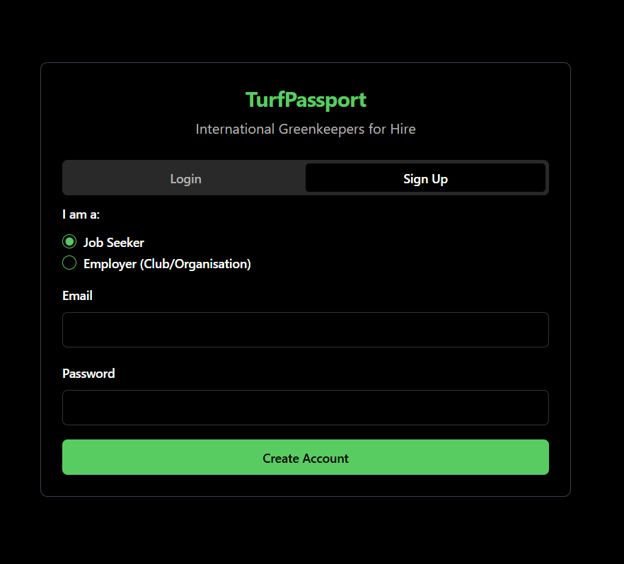
Enter your email and make a password, then click “Create Account”.
2. Confirm Signup
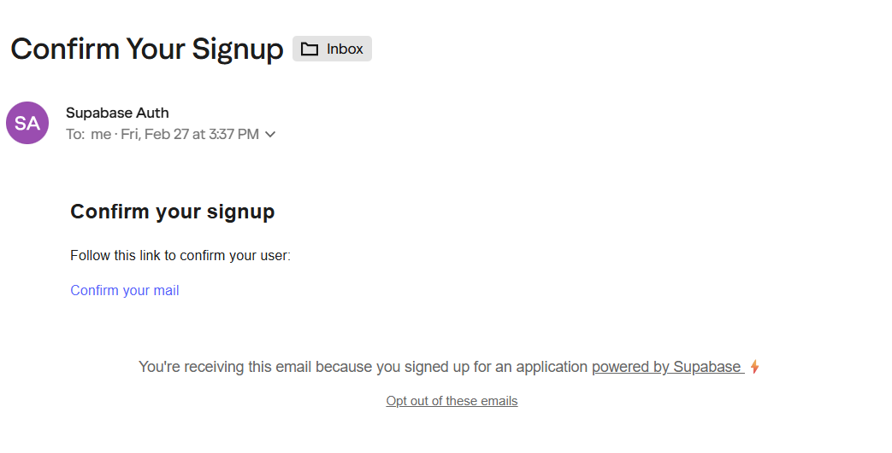
You’ll receive an email from noreply@mail.app.supabase.io. Open the email and click “Confirm your mail” to complete signup.
3. Subscribe
The link will take you back to the TurfPassport website. Scroll down to click “subscribe”. Subscriptions cost £30/year. Enter your card details and click “Pay and Subscribe”.
4. Edit Your Profile
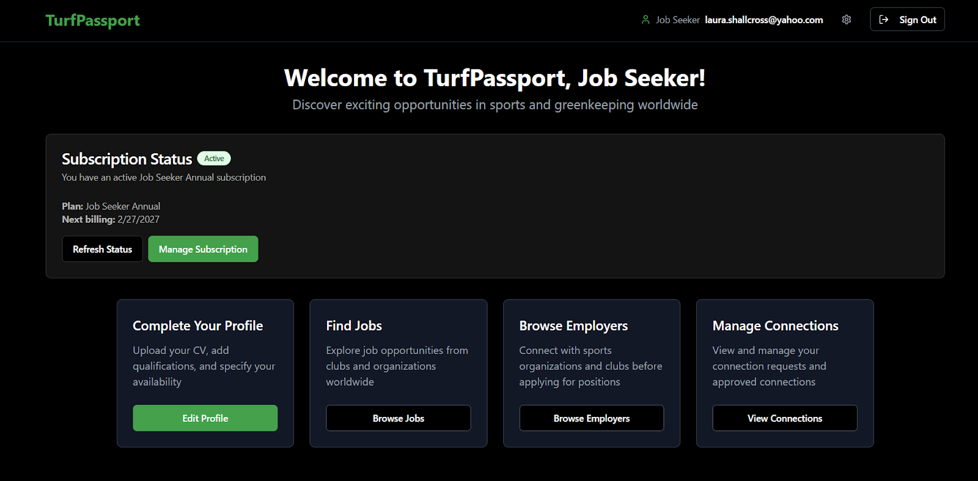
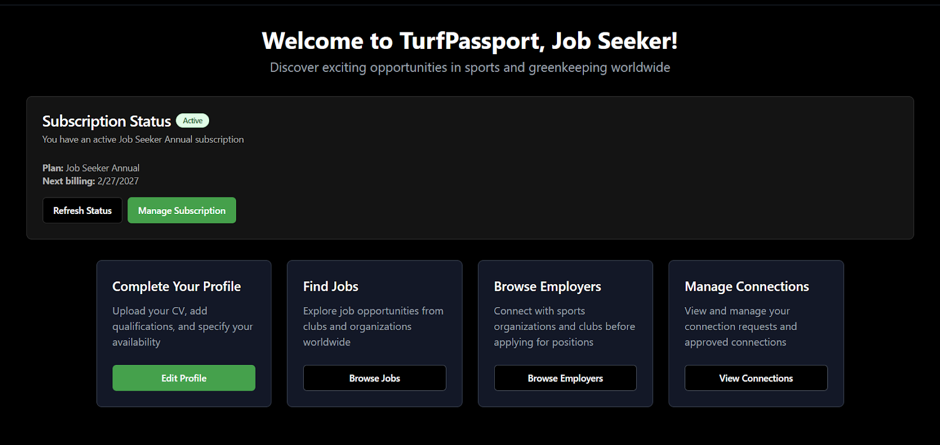
After subscribing, you’ll be taken back to the main dashboard. Click “Edit Profile” and fill out your personal information.
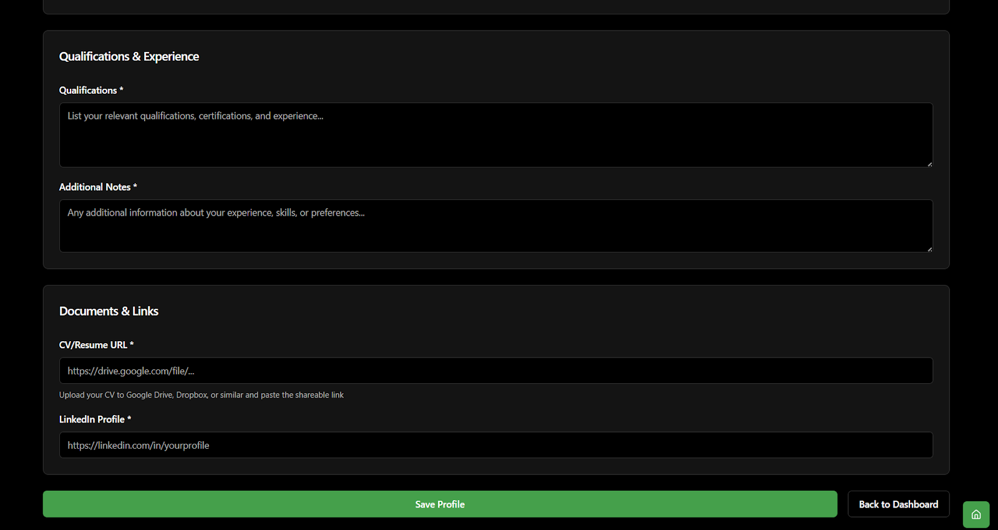
You’ll be asked to select your sports & availability, and qualifications & experience. You can also provide links to your CV and LinkedIn profile.
Once you’ve filled in the information boxes, click “Save Profile”, then “Back to Dashboard”.
5. Browse Jobs or Employers
On the dashboard, you’ll now be able to “Browse Jobs” or “Browse Employers”.
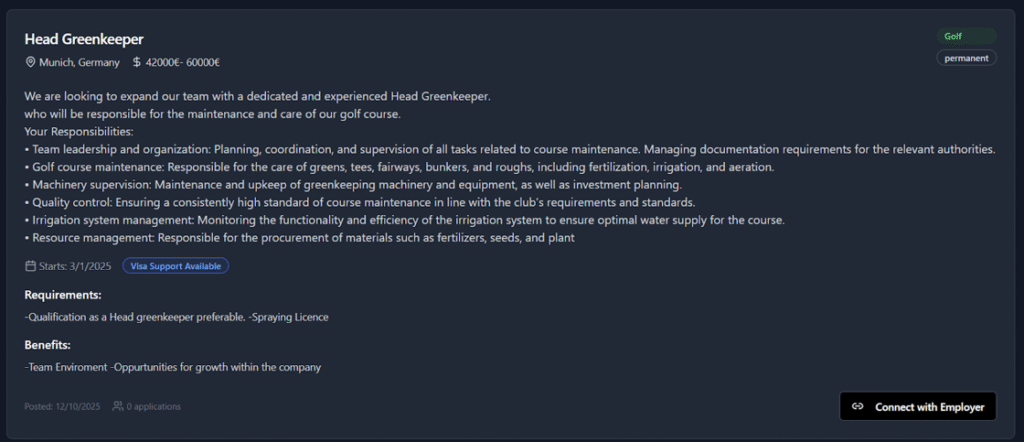
“Browse Jobs” allows you to view the current jobs listed on TurfPassport. Scroll down the page to view them all.
If you’re interested in applying for a job, you can click “Connect With Employer”. This will send a connection request for the employer to approve. Once they approve, you’ll be able to apply for the job.
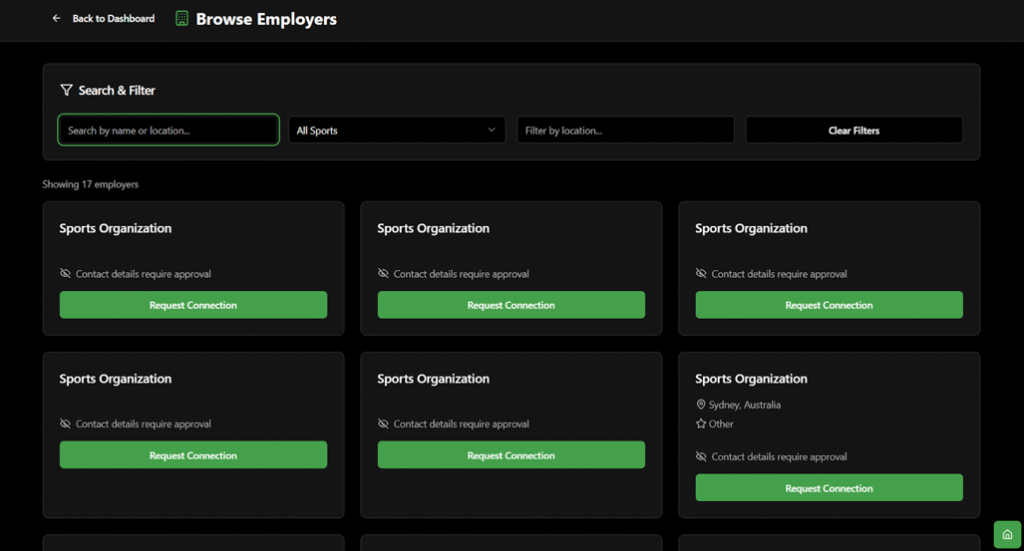
“Browse Employers” lets you browse employers on the TurfPassport database. You can filter by sport, location, and name.
To connect with an employer, click “Request Connection”. If the employer approves, you’ll be able to contact them about a role.
6. View and Manage Connections
You can use TurfPassport to make and manage connections with employers.
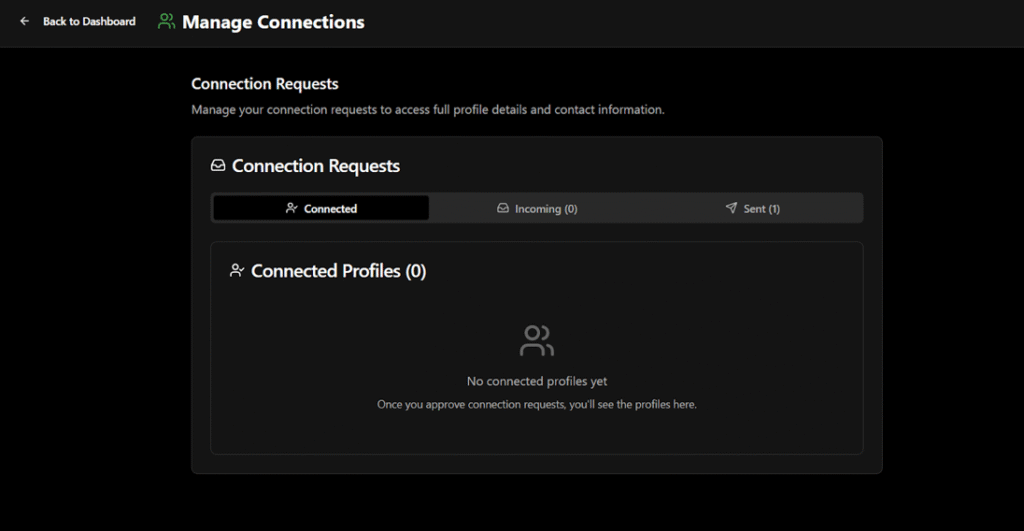
On the dashboard, click “Manage Connections”. Here, you’ll view your current connections, incoming connection requests, and sent requests.
Once an employer approves your connection request, you’ll be able to see each other’s contact details, so you can call or email them to discuss a job.